Put Navtaps on NFC stickers and QR codes around your church. Point them at your giving page, this week's bulletin, or a page of buttons in your colors, then change it from your phone. Nothing to reprint.
Every tap card is one link that never changes. You decide where it sends people, and you can change that anytime.
Name it for a spot or a purpose, like Lobby, Giving or Welcome. You get one permanent link.
Write the link to NFC stickers with your phone, or download the QR code for bulletins, slides and signs.
Paste a new link or upload a new flyer. Every sticker and QR code follows right away.
Your giving site, a sign-up form, the livestream, Church Center, any link you already use.
This week's bulletin, a map, a flyer or a menu. Upload the new one each week; the tags stay the same.
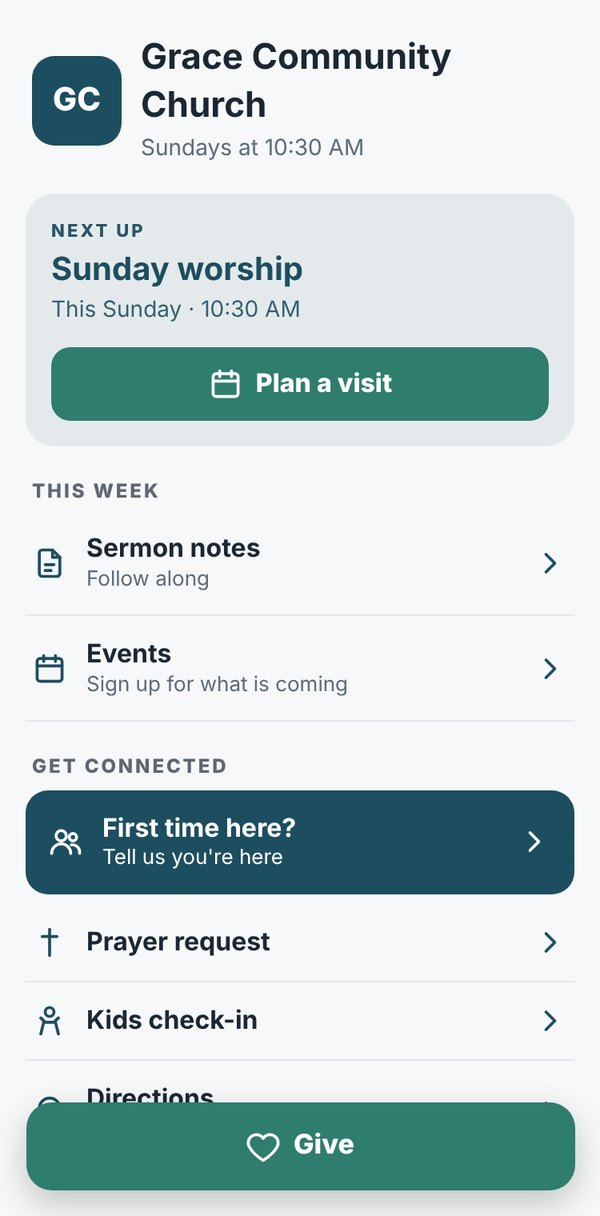
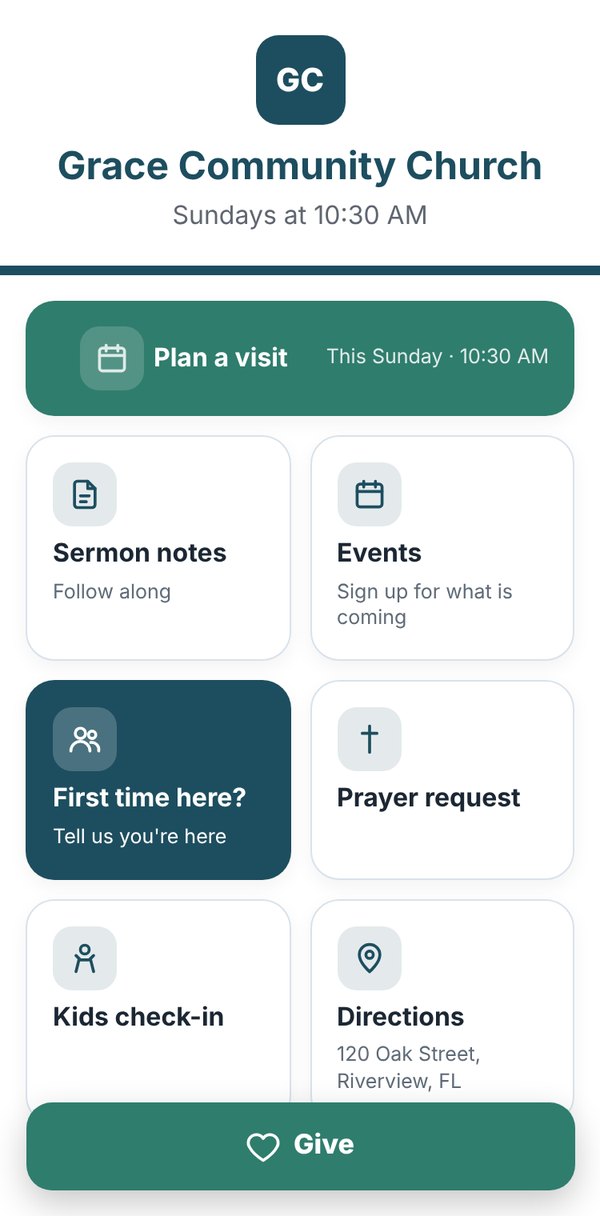
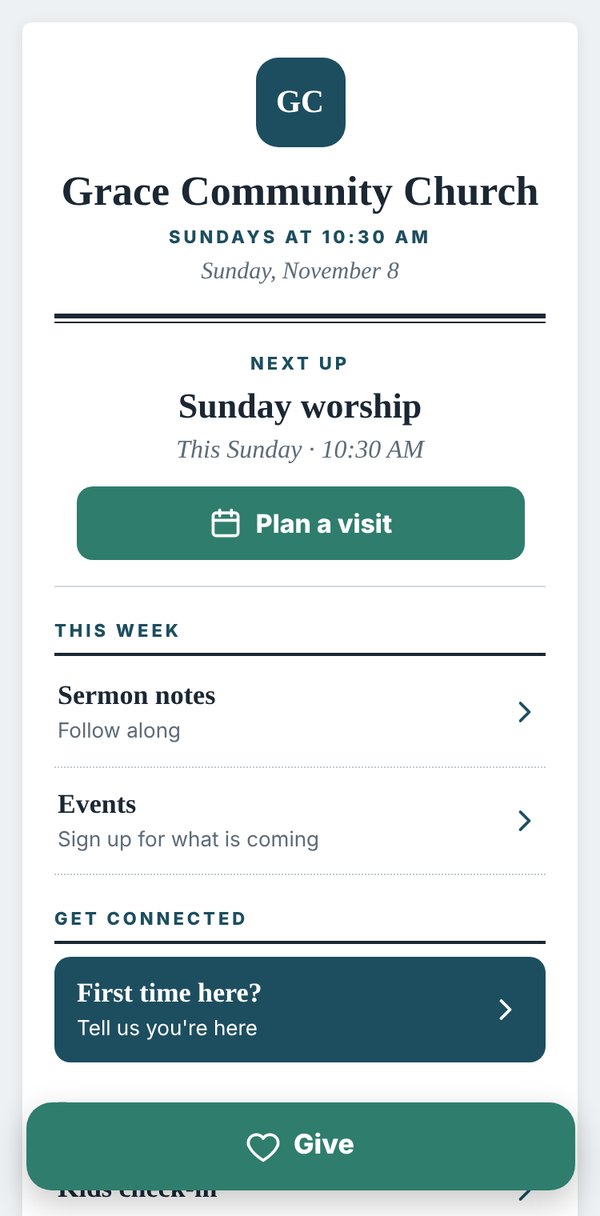
Give, watch live, sign-ups and more, in one place and in your church's colors. No website skills needed.
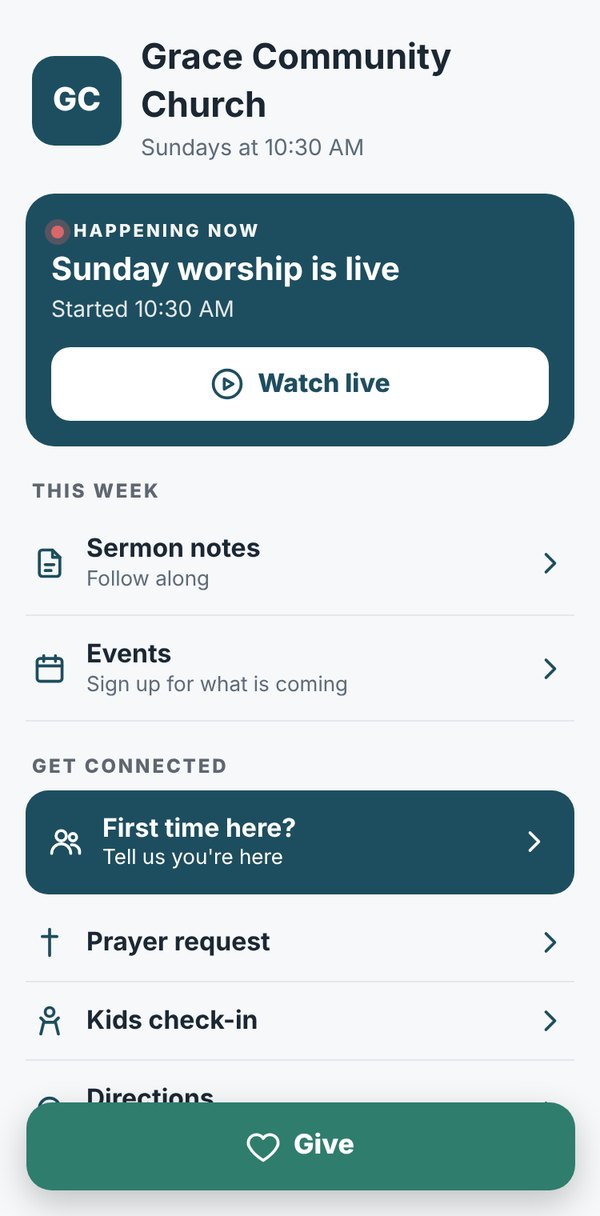
Add your logo, colors and service times. During service the top says you're live. The rest of the week it shows when to visit next. Give stays one tap away.


Set it once and your tags switch by themselves, in your church's time zone.
Pay yearly and get 2 months free. Changing plans never breaks a tag.
No. Any modern phone opens a tag with a tap, or a QR code with the camera. It opens in their web browser.
Blank NFC stickers labeled NTAG213 or NTAG215. They work with every phone and cost well under a dollar each. You write them once with a free app, and our walkthrough shows you how.
Every tag and QR code keeps working. If you move to a smaller plan, extra cards keep going where they point; you just can't edit them until you upgrade.
It's built for churches first. Ministries, outreach groups and other nonprofits use it the same way.
If you can paste a link, you can use Navtaps. A short walkthrough sets up your first tag with you.
It takes about 3 minutes. The Free plan needs no card.